When the device is powered on, “IPTVLauncher has stopped” error message is shown and the device does not continue to the home screen.
Solutions:
I. Update App Method: Non-destructive
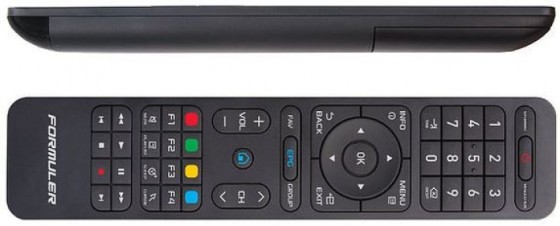
While “IPTVLauncher has stopped” is on-screen, press and hold the MENU button on the remote. The recent apps list will be show on-screen.
If the “SW Update” app is listed, proceed to step 3. If “SW Update” is not in the list of recent apps, you must use one of the alternate recovery solutions below.
Hast du es zuerst mit der Forum-Suche versucht?
Manchmal ist dein Problem oder Frage möglicherweise bereits von einem der Moderatoren oder einem anderen Mitglied gestellt und beantwortet. Bitte versuch es zuerst mit der Forum-Suche, da diese dir in meisten fällen eine viel schnellere Antwort liefern kann.
Bitte keine Diskussion über illegale Inhalte wie illegale Software, Apps, Add-Ons, Softcams, IPTV-Dienste einschließlich der Werbung für diese und Nennung beim Namen, Fremdboxen, Sponsoren usw. , ohne ausnahmen.










 1
1